Do learning apps count as screen time?
Learning apps are screen time too. A short practice session with a clear ending can fit into family routines when everyone knows the rules.
Yes, time spent using a learning app is time in front of a screen. But screen time covers different activities. A short session with a clear beginning and ending is different from videos that keep playing automatically. You decide how practice fits into your family’s rules.
Perhaps you already have a screen time limit and wonder whether ten minutes of learning should count in the same way as half an hour of video. Agreeing beforehand can make the decision easier, without turning every session into a new negotiation.
What makes a practice session different?
A practice session has something for the child to do and an ending they can see coming. A video service may start another episode automatically, leaving no obvious stopping point.
During practice, your child reads or listens, answers and tries again. Once the agreed session is over, there can be a clearer moment to put the tablet away. This is a way to organise the activity, not a promise that stopping will always be easy.
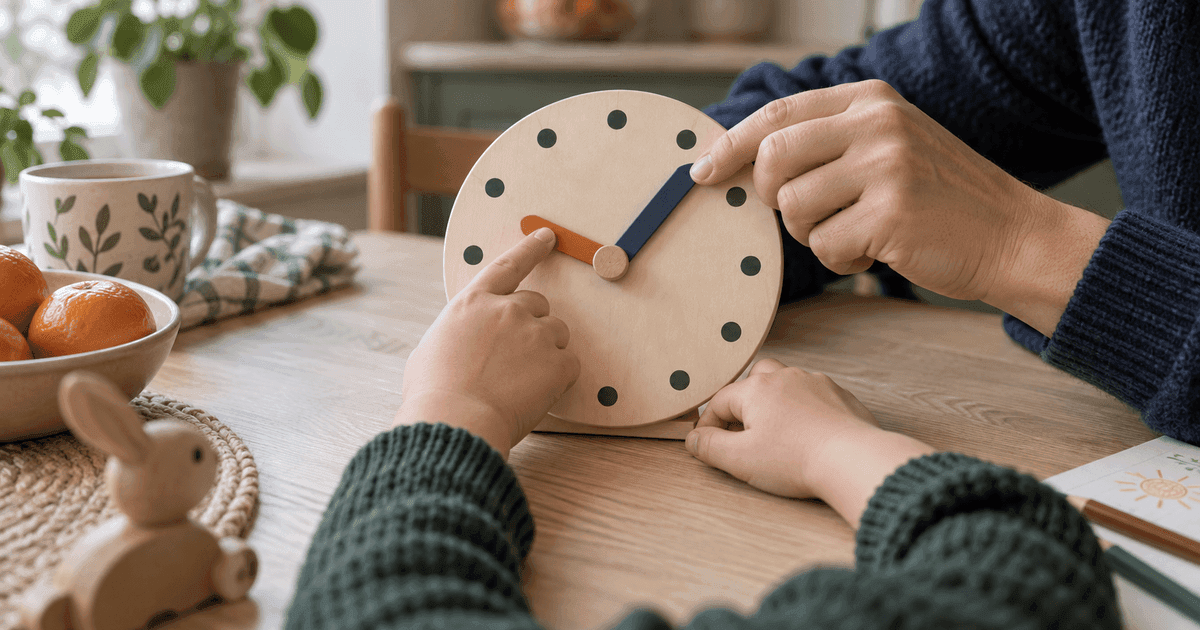
The clock can help make the ending visible. Before starting, say: “We will finish when the long hand reaches two.”
How can learning apps fit into family rules?
You can include practice within your screen time allowance or give it a regular place in the routine, as you might with homework. Your child needs to know the rule. Giving practice a separate place in the schedule does not change the fact that it involves a screen.
Norway’s Directorate of Health recommends that children aged 6 to 12 limit leisure screen time outside school and schoolwork to a maximum of one to one and a half hours a day, preferably less. This is Norwegian guidance. Local recommendations may differ.
A family rule could be: “We practise for ten minutes after dinner.” Or: “You have half an hour of screen time today, and we will use the first ten minutes for practice.” Explain what you mean before the device comes out.
Also consider what is in the app. Advertising and purchase prompts can lead a child away from the activity. Read our suggestions for choosing a learning app without ads.
Do you need to sit beside your child throughout?
For a familiar, short activity, you may not need to sit beside your child the whole time. Knowing what they are doing and asking about it afterwards can be a useful starting point. New tasks may need more support.
Try one or two gentle questions: “What did you practise?” or “Was anything tricky?” Let the answer be enough, rather than turning it into another test.
Tonight, you could:
- Explain how app practice fits into your screen time rules.
- Choose a regular moment, such as after dinner.
- Say when the activity starts and show when it will end.
- Ask your child what they tried afterwards.
For ideas away from screens, read about practising time at home.
Klokkeappen offers spoken tasks and games. You agree how long your child uses it. The app has no advertising or in app purchases. Its optional public leaderboard uses separate result data, as explained in our privacy policy.